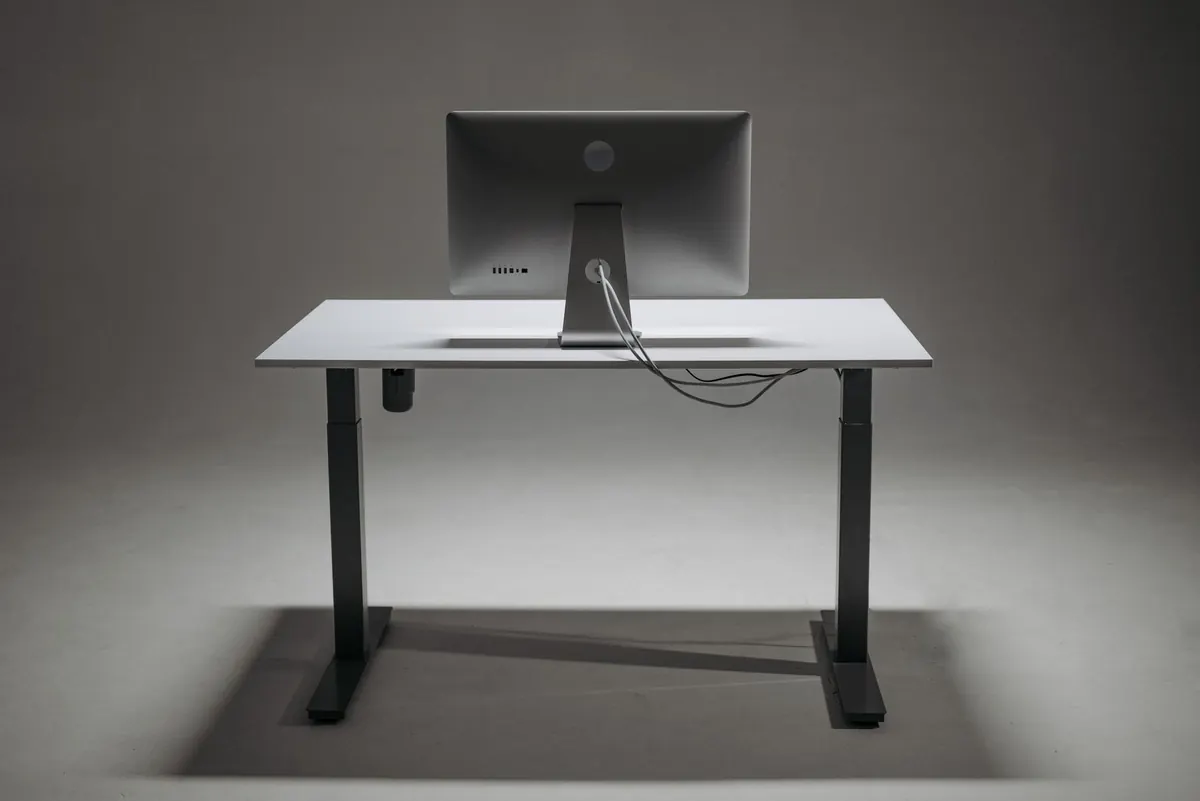
A standing desk set to the wrong height is simply a different way to slouch. You have bought the desk, cleared the corner of the spare room, and yet by mid-afternoon your neck is stiff and your lower back is grumbling. Nine times out of ten the problem is not the desk. It is the number on the display.
Finding your correct setting takes about five minutes, a tape measure and a wall. Do it once, save the preset, and you will feel the difference the same day.
Start with your elbows, not the desk
Ignore the height charts printed in showrooms. Your ideal working height is decided by your body, and specifically by your elbows.
Stand up straight with your arms relaxed by your sides and your shoulders down. Bend your elbows to roughly a right angle, palms facing down, as if you were about to rest your hands on a keyboard. Where the underside of your elbow sits — the crease — is where the desk surface belongs.
That is the whole principle. When the desk meets your elbow crease, your forearms rest level or tip very slightly down towards the keys, your shoulders stay low, and your wrists stay neutral rather than bent back. The exact figure varies enormously with height, leg length and torso proportions. Many adults land somewhere between roughly 95 cm and 110 cm, but treat that as a rough sanity check, not a target. Measure your own.
How to measure your standing height in four steps
- Decide on footwear and stay consistent. Shoes can add two or three centimetres, which is enough to change your setting. If you work in slippers in the morning and trainers in the afternoon, measure in the shoes you wear most.
- Stand naturally against a wall. Heels close to the skirting board, weight even across both feet, chin level. Resist the urge to stand to attention — you want your everyday posture, not a parade-ground one.
- Mark the crease of your elbow. Bend one arm to 90 degrees, hold a pencil level against the inside of the elbow and make a small mark on the wall. Measure from the floor to that mark.
- Set the desk, then test it. Raise the surface to your measurement, rest your hands in typing position and type a couple of sentences. If your shoulders creep upwards, the desk is too high. If you lean forward to reach the keys, it is too low. Adjust by a centimetre at a time and save the setting.
The sitting half of the equation
A sit-stand desk only solves half the problem. If your seated setup is wrong, you will spend the sitting stretches undoing the good work of the standing ones.
Set the chair first and the desk second. Your feet should rest flat on the floor with your thighs roughly parallel to it and your knees at about 90 degrees or slightly wider. If the chair will not drop low enough for that, a footrest is the fix; if your feet dangle, a cushion behind your back or under you will help. Then bring the desk up until your elbows sit at 90 to 100 degrees, upper arms hanging close to your ribs.
Monitors and neck strain
The top of your screen should sit at roughly eye level, or a touch below, about an arm's length away. Look down with your eyes, not your neck.
Laptop users, this matters more than anything else on the page. A laptop screen is always too low and its keyboard is always slightly too close. Raise the machine on a stand or a stack of books and use a separate keyboard and mouse. It feels like a fuss for a week and then you stop noticing your shoulders.
Reading the signals your body sends
You do not need an ergonomics assessment to tell whether your height is right. Your body will file a complaint within an hour.
- Aching neck and shoulders: usually a screen that is too low, or a desk that is high enough to make you hunch and crane.
- Tingling or sore wrists: the desk is too high, so your wrists bend back as you type. Dropping it a centimetre or two often clears this up.
- Lower back ache: either the desk is too low and you are leaning in, or the chair is offering no support. Check the lumbar curve before you blame the desk.
- Aching feet, calves and hips: you are standing for too long without shifting your weight, often locking your knees.
If pain persists for days, or you get numbness, weakness or tingling down an arm or leg, stop adjusting things yourself and speak to your GP or a physiotherapist. Desk tweaks are not a substitute for proper assessment.
How to alternate between sitting and standing
The point of an adjustable desk is movement, not standing. Standing all day brings its own problems: tired legs, swollen feet and a habit of leaning on one hip until your back objects.
A rhythm that works for most people looks something like this:
- Sit for the first 30 to 45 minutes of the morning while you read email and plan the day.
- Stand for 15 to 20 minutes for focused work, such as writing or reviewing a document.
- Return to sitting before your legs start to ache, not after.
- Use the standing blocks for phone calls and video meetings — you will naturally move more.
Set a kitchen timer or a phone reminder for the first week. Once the pattern is established you will start changing position without thinking about it, which is exactly the goal.
Small adjustments worth making
A few inexpensive additions do a lot of quiet work. An anti-fatigue mat takes the edge off long standing stretches and encourages you to shift your weight. Supportive shoes beat bare feet on a hard floor. Cable ties keep the desk from snagging when it rises. If your desk has memory presets, use them: one button for sitting, one for standing, and no more fiddling.
Worth noting as well: standing does not mean frozen. Rest one foot on a low stool, sway gently, and let your hands move.
A five-minute routine to set up once and forget
Measure your elbow crease in your usual shoes. Set the desk to that number and save it. Drop the desk to your seated height and save that too. Raise your screen so the top edge is level with your eyes. Then set a timer and swap between the two positions every half hour or so for the first few days.
Write both numbers on a sticky note and leave it under the desk. Desks get borrowed, shared and bumped, and having the figures to hand means you can reset your setup in seconds rather than guessing your way back to comfort.
Get those two heights right and everything else — the mat, the monitor arm, the footrest — simply makes a good setup better.